


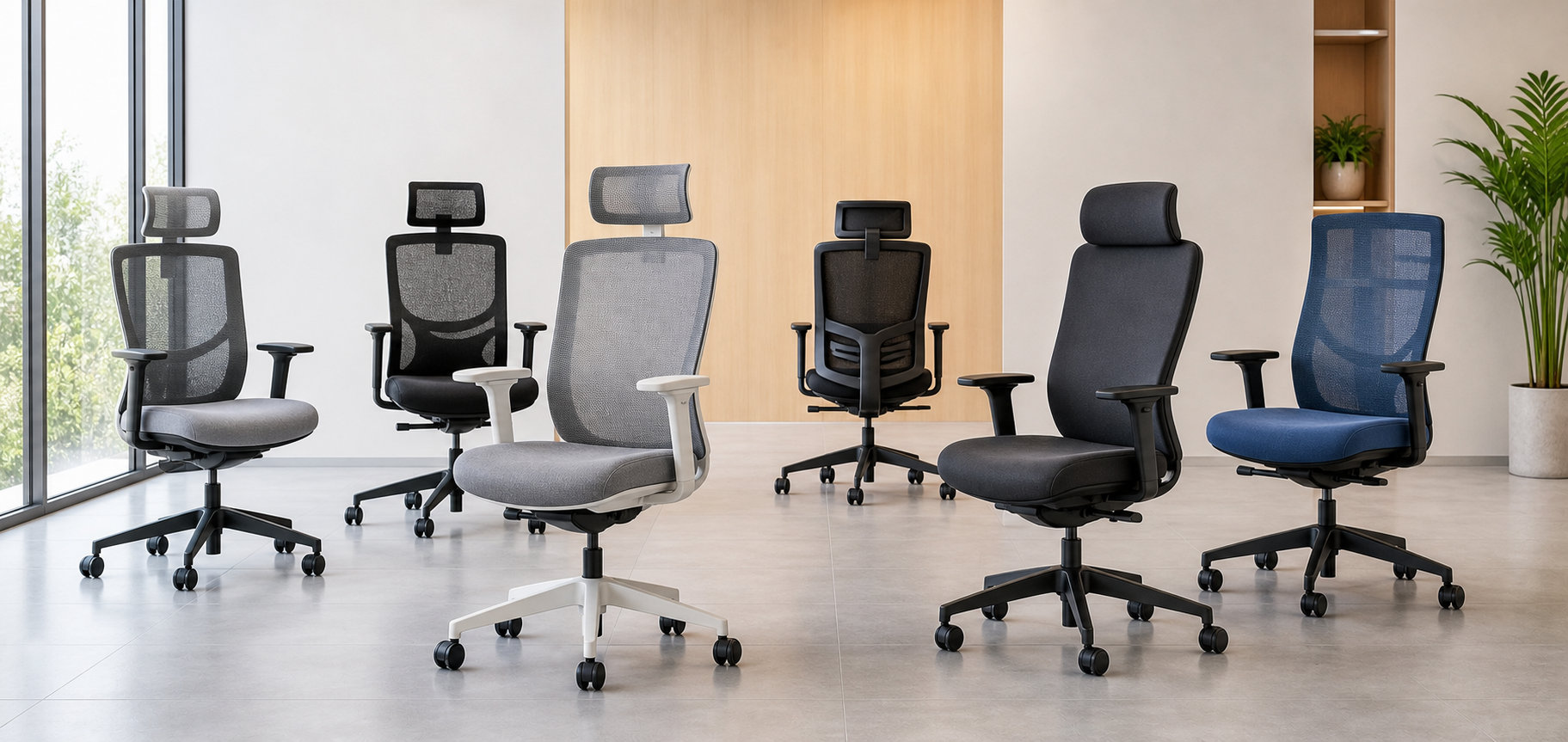
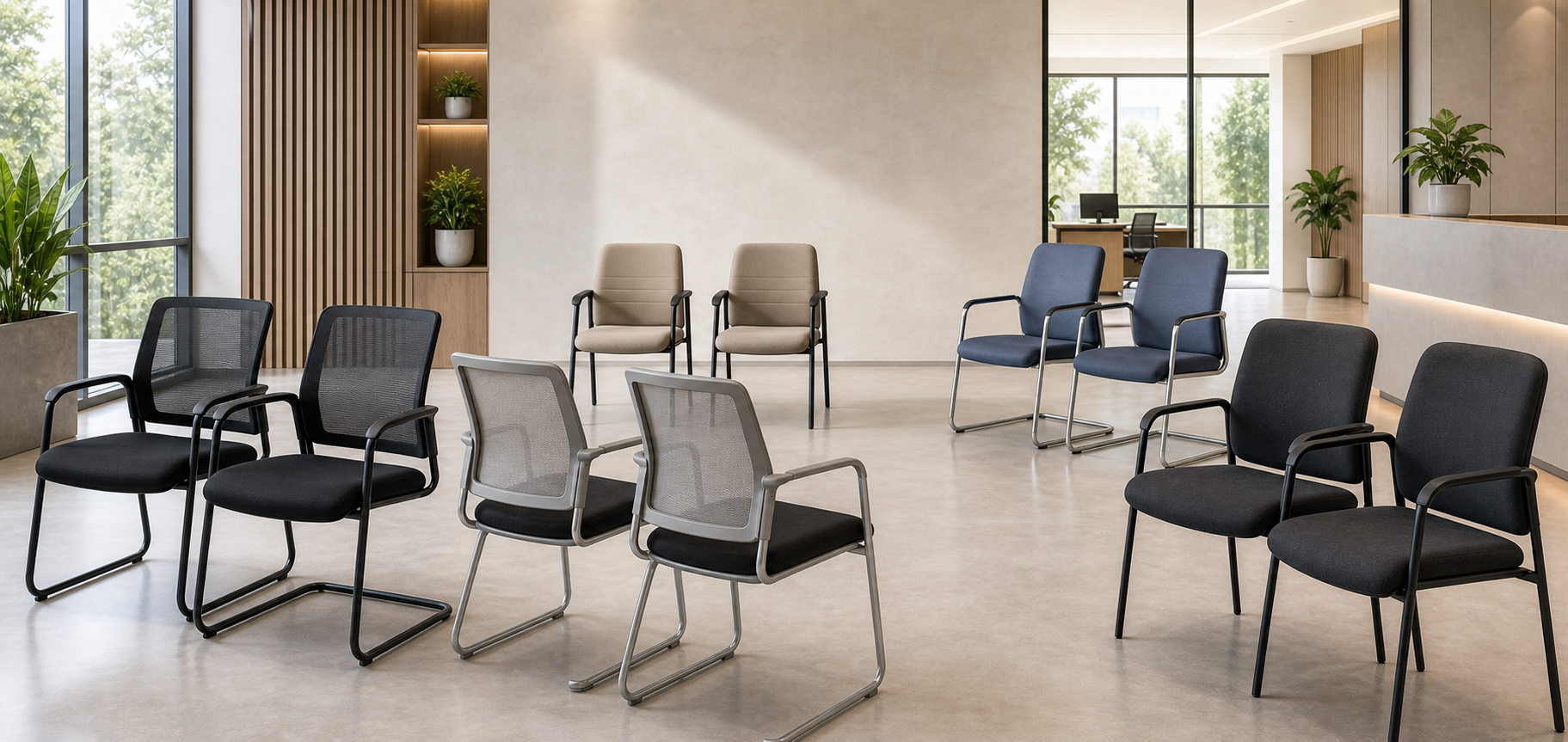
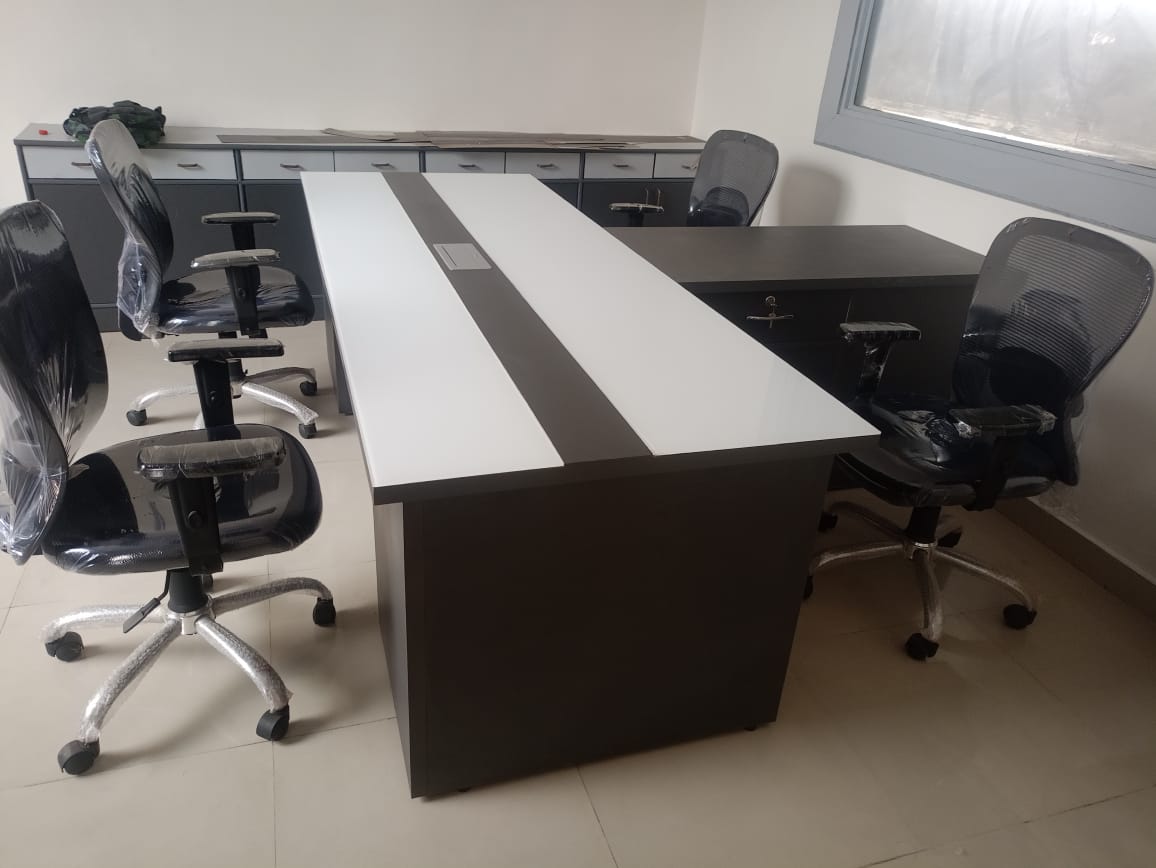
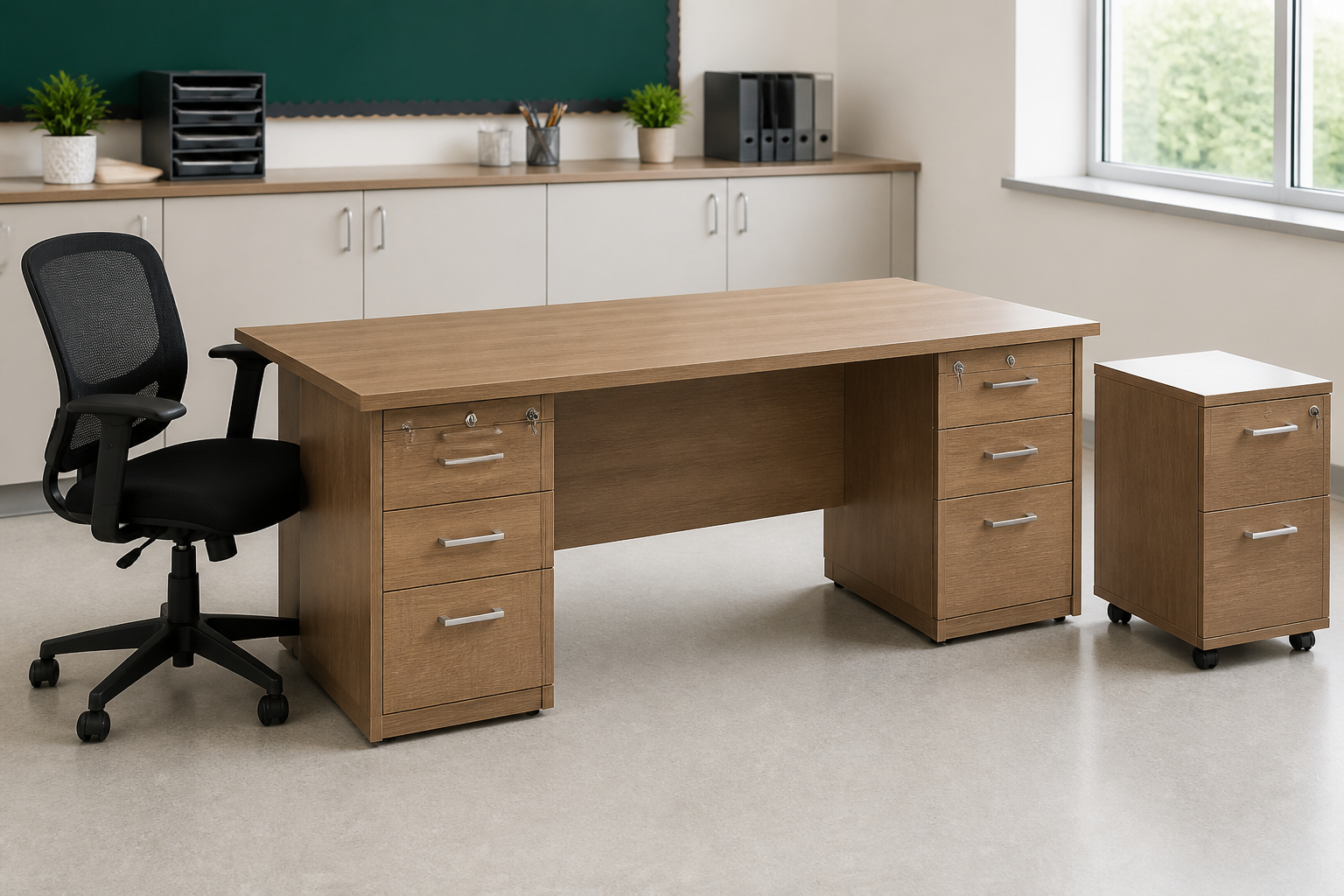

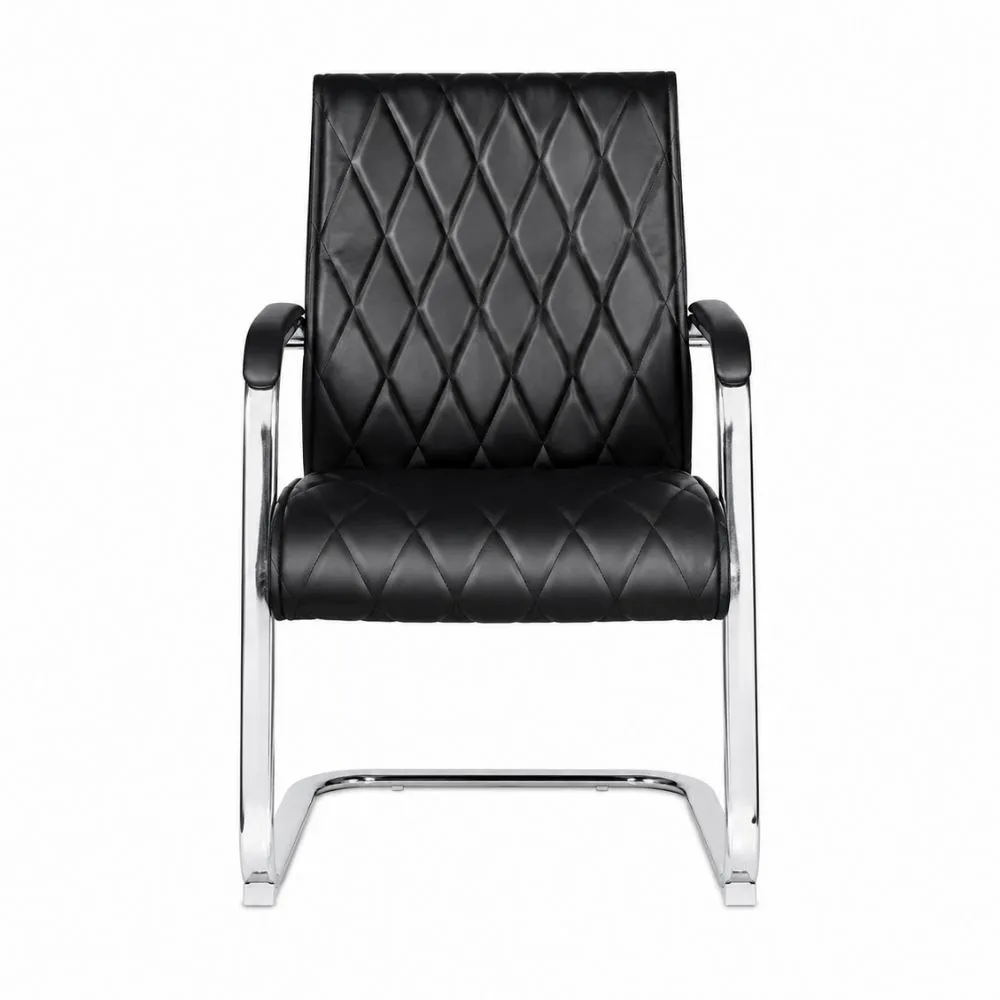
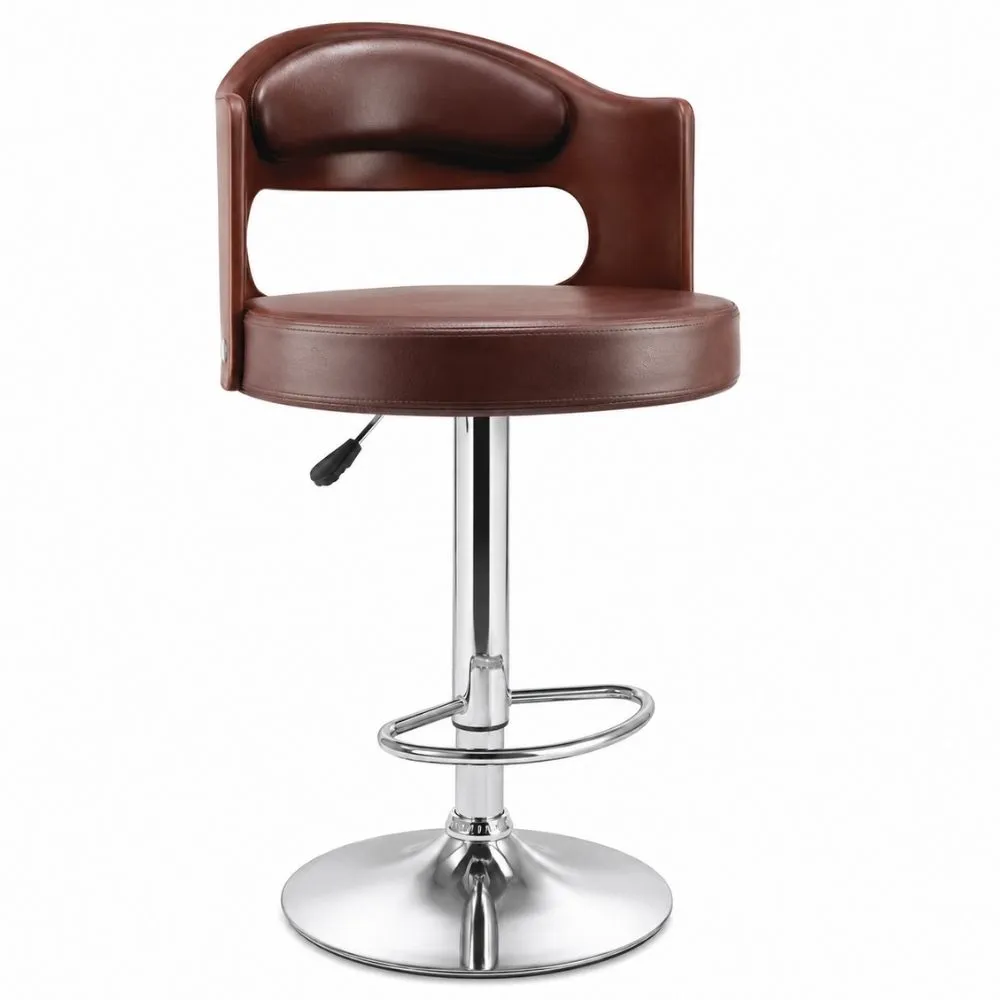
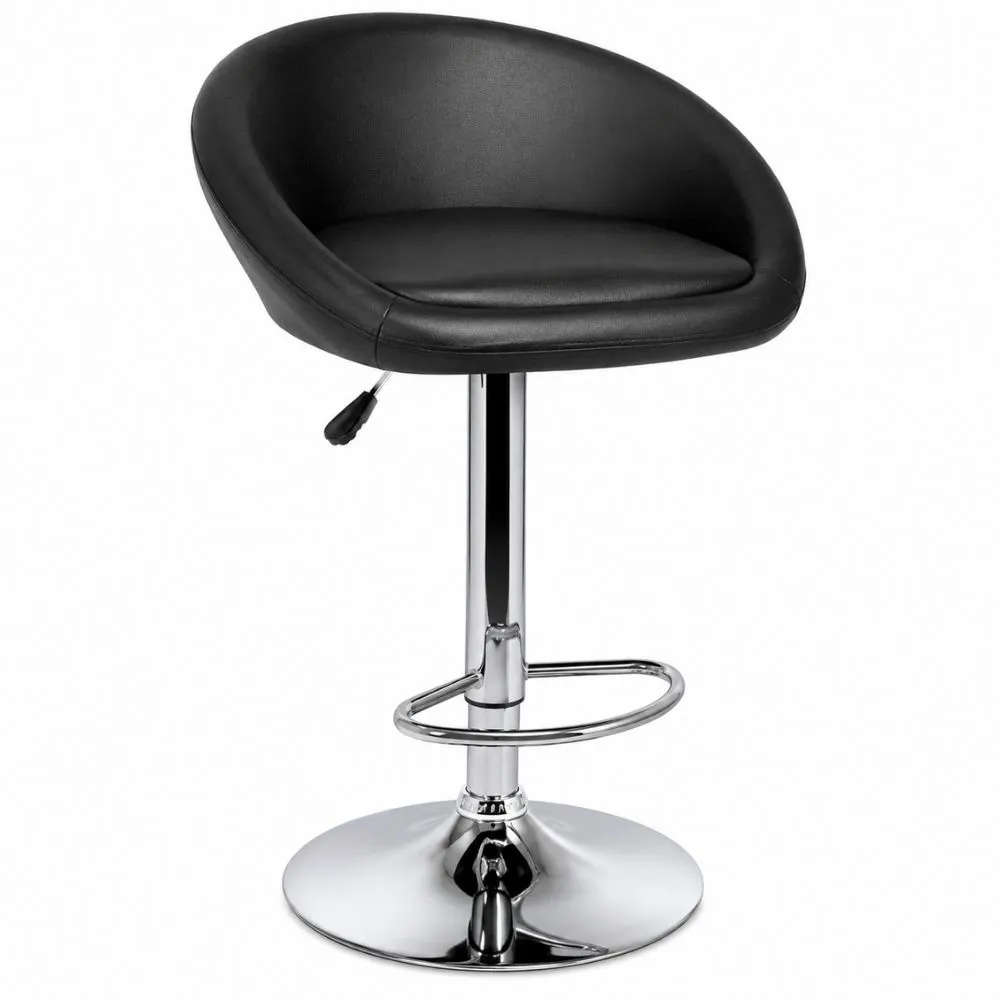

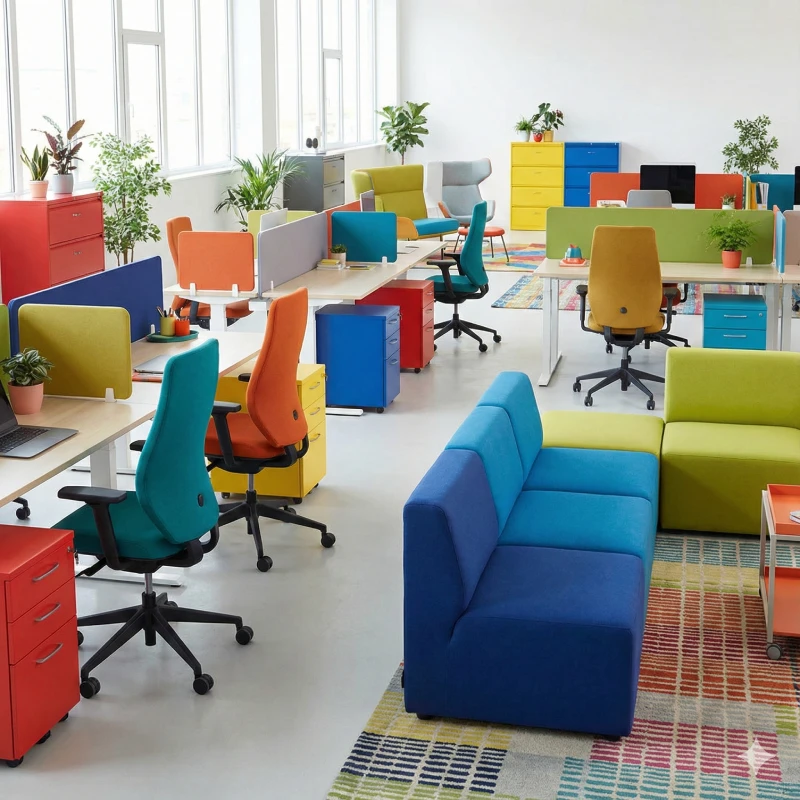
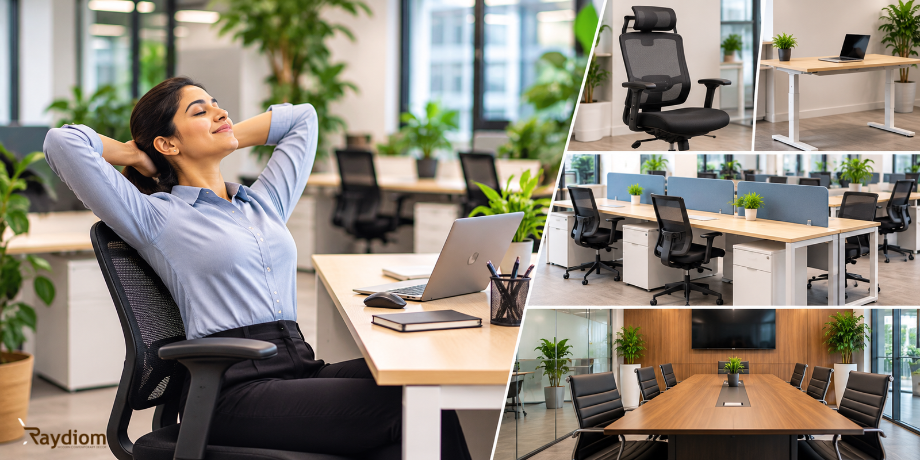
A comfortable office is not always defined by luxurious office furniture or elegant interior. Sometimes, all it takes is a minor change of office chair, table or even the position of the computer screen.
Imagine a worker who has to lean forward every day in order to see his monitor or does not have enough room under the desk. These may appear to be small things, yet they can significantly affect your workstation. When selecting office furniture in Noida, companies tend to compare designs, materials used as well as price offers. Nevertheless, the comfort and usability should not be overlooked.
Fortunately, not every problem at workplace can be solved through changing office furniture. Some problems can be sorted out with the help of minor alterations while some others need new office chair, table or workstation. The following article will cover various office furniture comfort issues, their detection and solutions.
Why Office Furniture Comfort Matters
Employees use office furniture all through their workday. Uncomfortable chair, improper height of desk or inappropriate arrangement of the workplace can complicate even routine activities. Comfort does not depend on a single item. It is important how the chair, desk, computer screen, keyboard and available space interact.
For example, the chair can be very convenient but it will still be uncomfortable if the desk is too high. On the other hand, the big desk may be inconvenient if the screen is arranged improperly. What should be done is to make the workplace comfortable for movement and working positions.
1. Uncomfortable Office Chairs
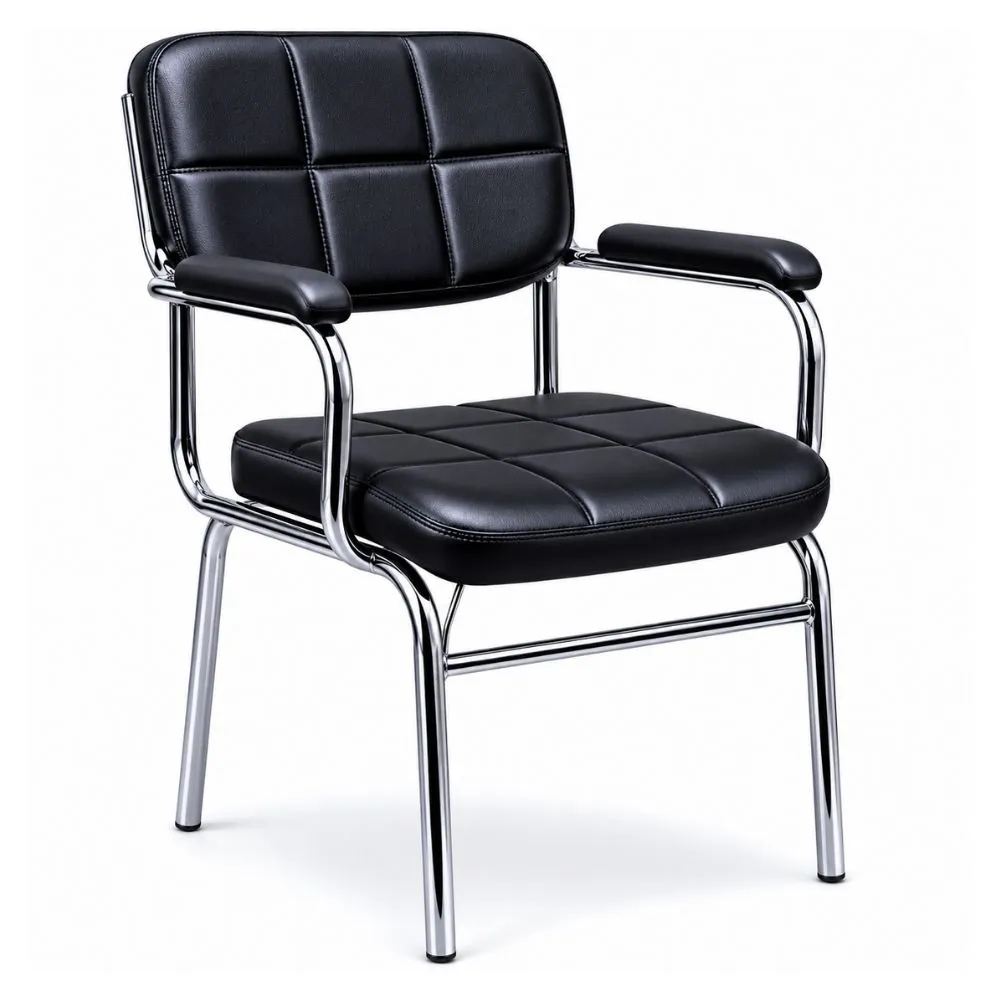
An office chair is one of the most important parts of a computer workstation. A chair that does not fit the user properly may provide inadequate support or make it difficult to maintain a comfortable sitting position.
Common Problems
- Insufficient lower-back support
- Seat height that cannot be adjusted
- Excessively deep or narrow seating
- Armrests positioned too high
- Unstable chair bases
- Worn-out cushioning
How to Improve Chair Comfort
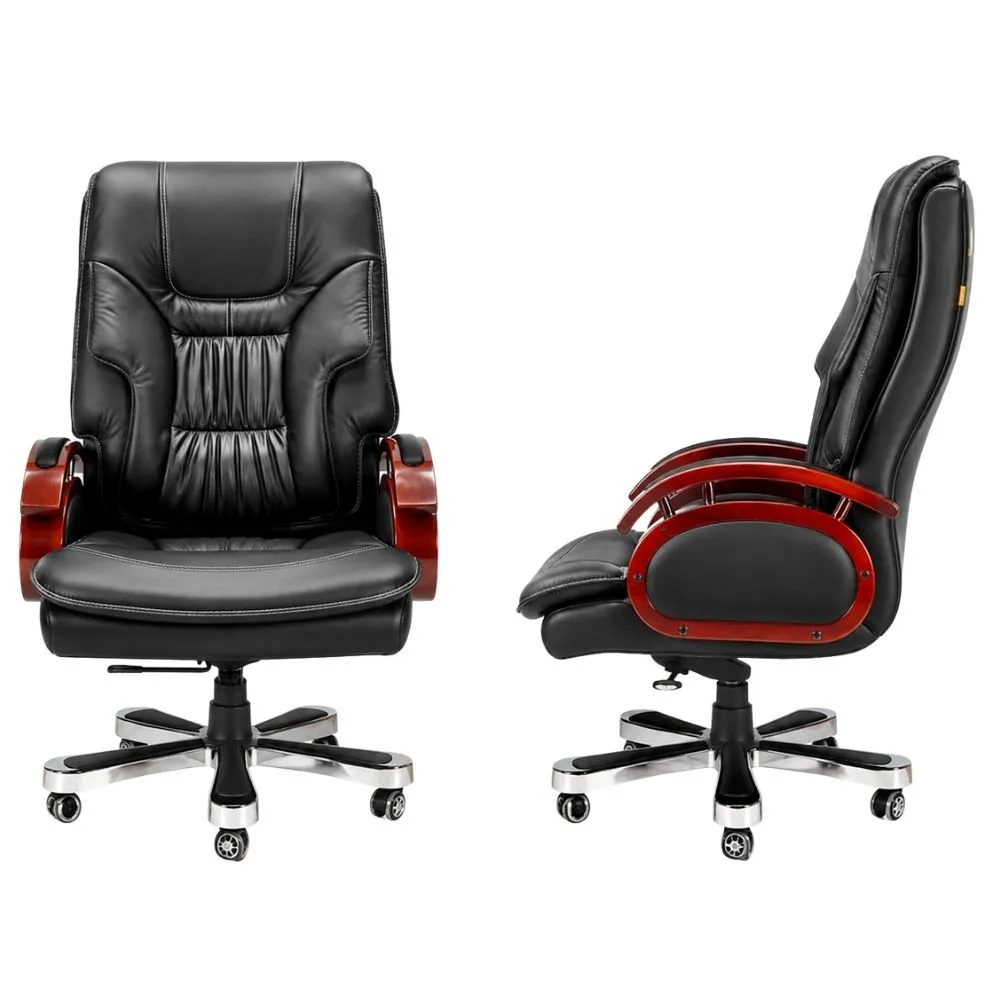
First, check if the chair height is adjustable so that the user’s feet can touch the ground easily. The lower back region should be supported by the backrest, and the seat must offer sufficient space without touching the back of the knees. Where armrests are present, they must enable the shoulder muscles to relax. In case of comparison of ergonomic office chairs, it is better to consider adjustability, stability, and comfort over aesthetics only.
Practical tip: Before placing a bulk furniture order, allow employees with different body sizes to test a sample chair.
2. Office Desks at the Wrong Height
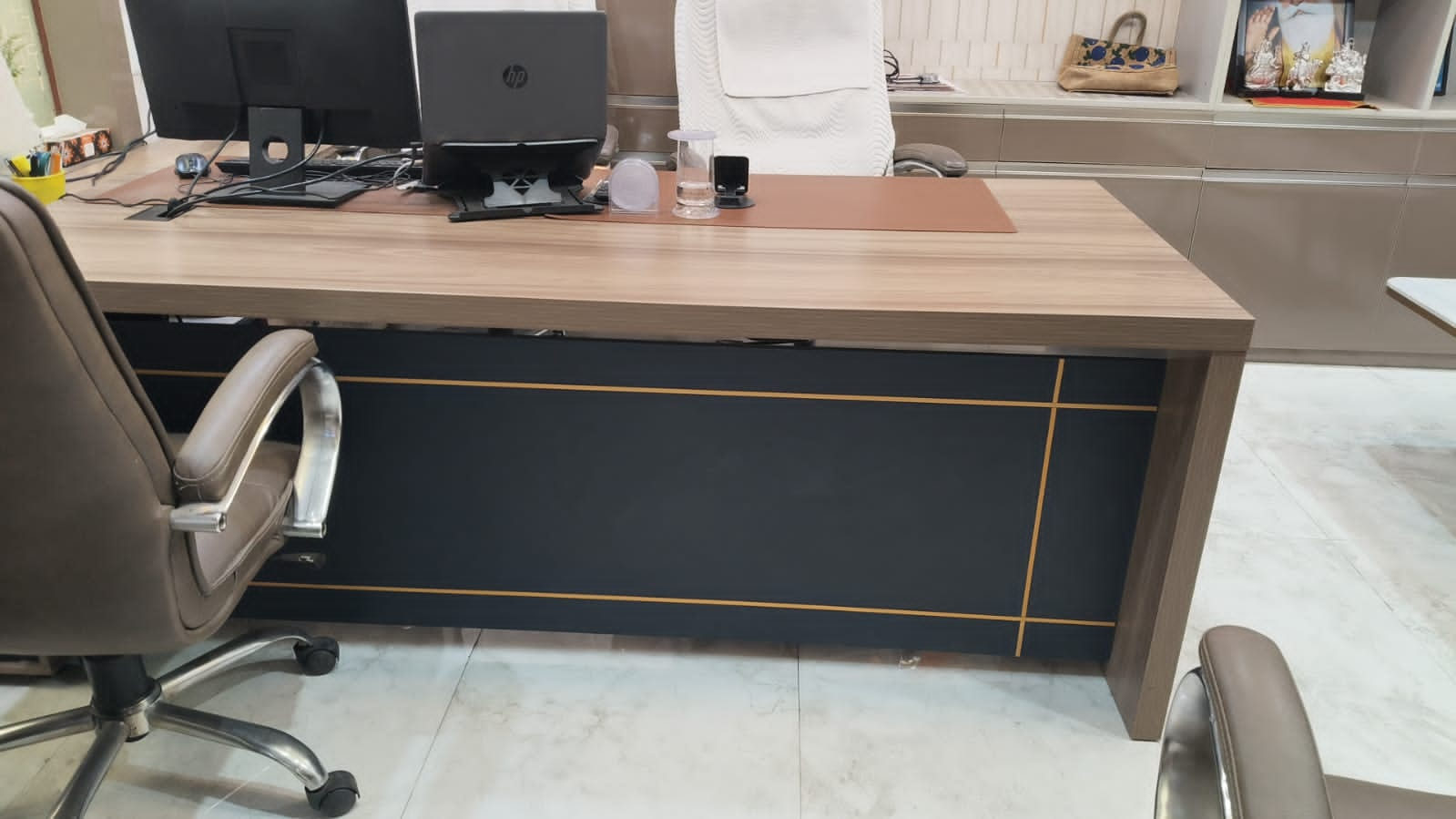
Desk height can affect how comfortably employees position their arms while typing or using a mouse. If the work surface is too high, users may raise their shoulders. If it is too low, they may need to bend forward or position their wrists awkwardly.
What Can Help?
Determine whether the chair and desk height match each other. The keyboard needs to be placed in such a way that the shoulders remain relaxed and the elbows near the body.
In case of non-adjustable desks, adjustable chairs, a proper footrest, or even a keyboard tray might solve the problem. An adjustable desk is an alternative solution, especially when the workers require various heights for their work. But not all workplaces require buying an adjustable desk.
3. Poor Monitor Placement
Sometimes, what appears to be a furniture problem is actually an equipment-placement issue. A monitor positioned too high, too low, or too far to one side may encourage awkward head and neck positions.
Simple Adjustments
The primary monitor must be placed directly in front of the operator. Its height must be adjusted such that viewing will not require frequent lifting and lowering of the head. The viewing distance is based on the size of the screen and needs of the eyes, along with desk depth. In case of employees who use laptop computers for long hours, a keyboard, mouse, and screen setup would be beneficial. Before buying a new desk, one must determine whether a monitor stand or monitor arm would solve the issue.
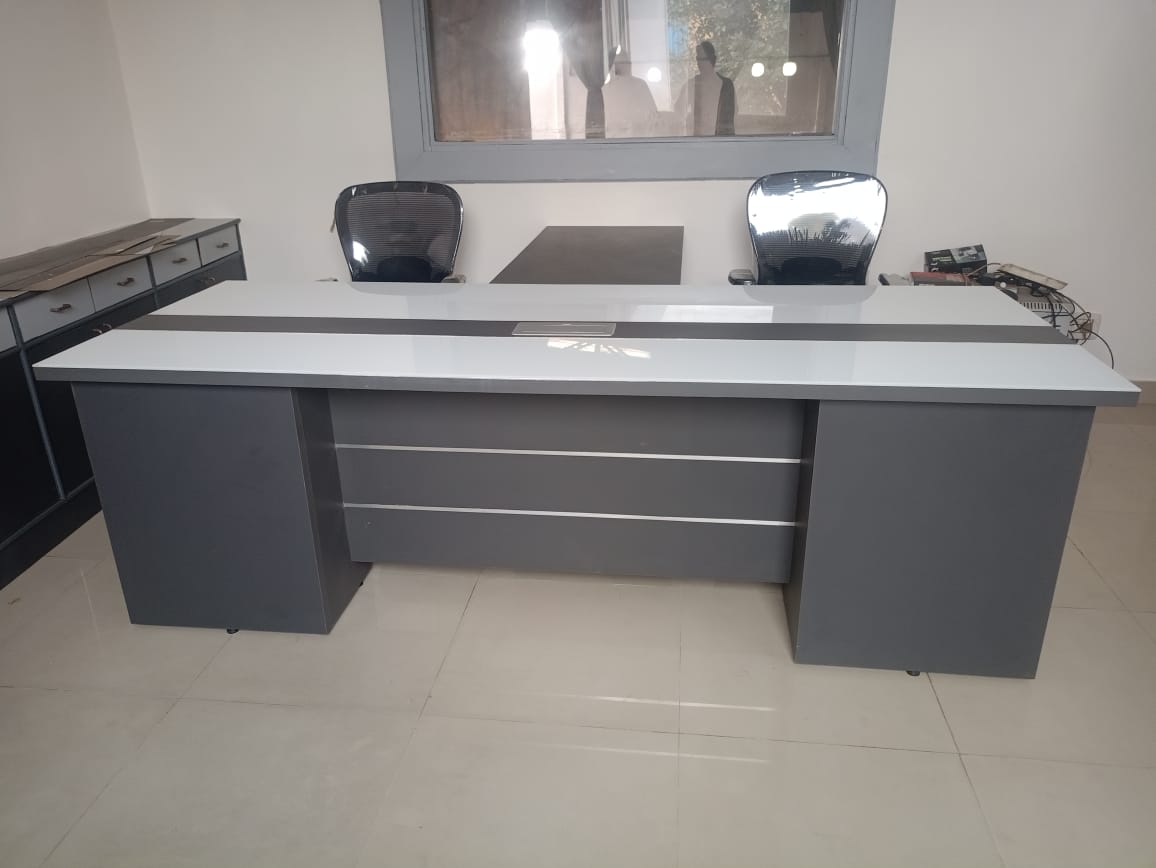
4. Not Enough Legroom Under Office Tables
Although the desk might look nice from a design point of view, it could offer inadequate space below it. The pedestal drawers, cabinets, CPU, and panels could be restrictive to movement. This may make it hard for you to sit near the desk or adjust your sitting posture.
How to Fix the Problem
Check the area below the desk. Remove any items that are not needed and see if drawers or panels get in the way of the person’s knees and thighs.
If the desk has built-in storage, consider how it might be arranged differently to provide more space. When buying new desks, consider the useable space under the surface of the desk.
5. Limited Working Space on Office Desks
An overly small or congested desk could make work difficult. This is because people would have problems placing their computers, keyboards, papers, and other work tools within easy reach. Therefore, they will always stretch or twist themselves when working.
Practical Solutions
Eliminate all unnecessary things from the worktop. Place commonly used devices near the user and position the screen in front of the user. Employ appropriate storage tools for papers and stationery. If there is not enough space at the desk, you can increase its surface size or even use an L-shaped desk or a modular office desk. The choice will depend on what the employee actually does rather than how the furniture looks.
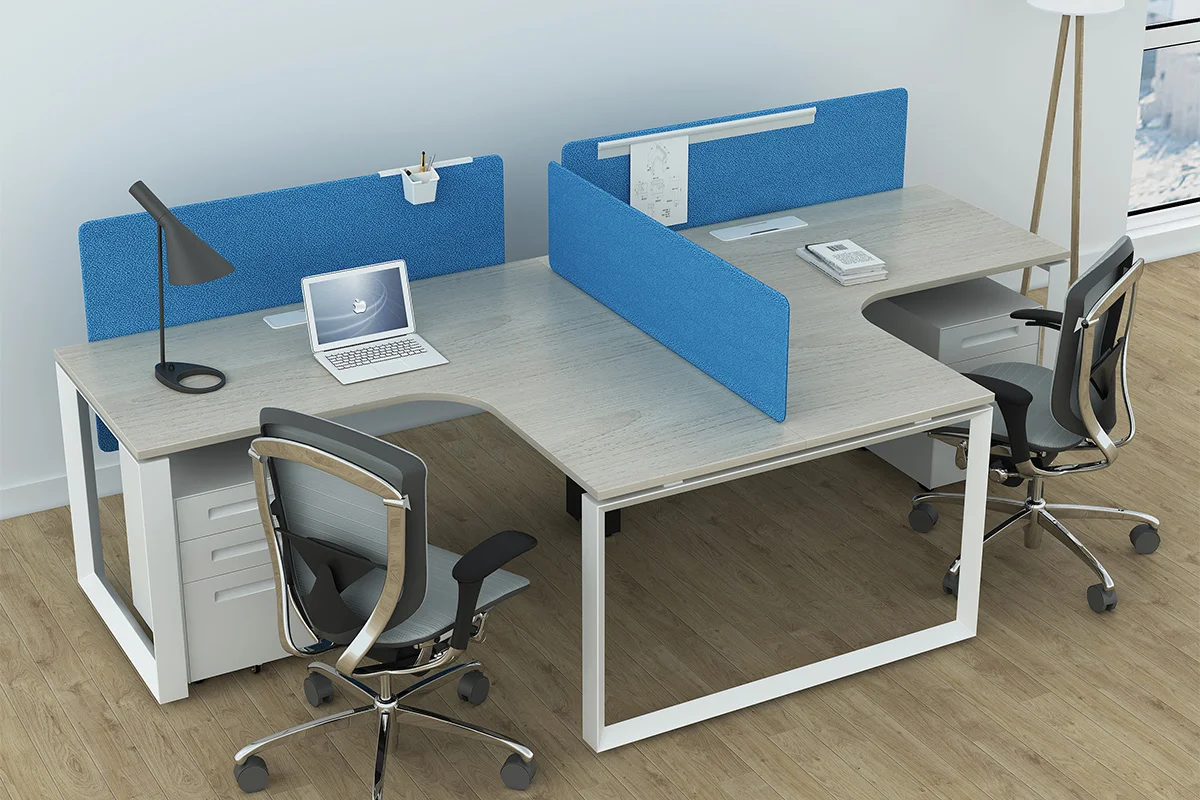
6. Poorly Planned Modular Workstations
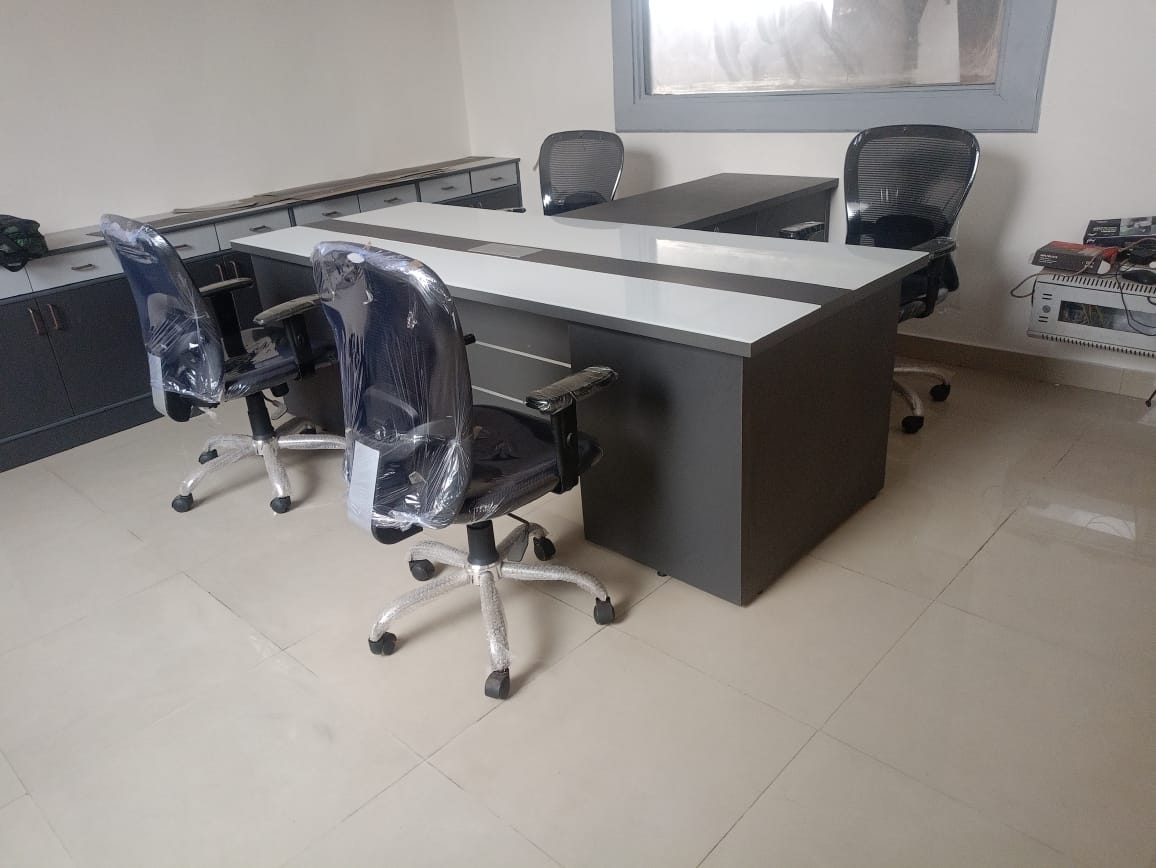
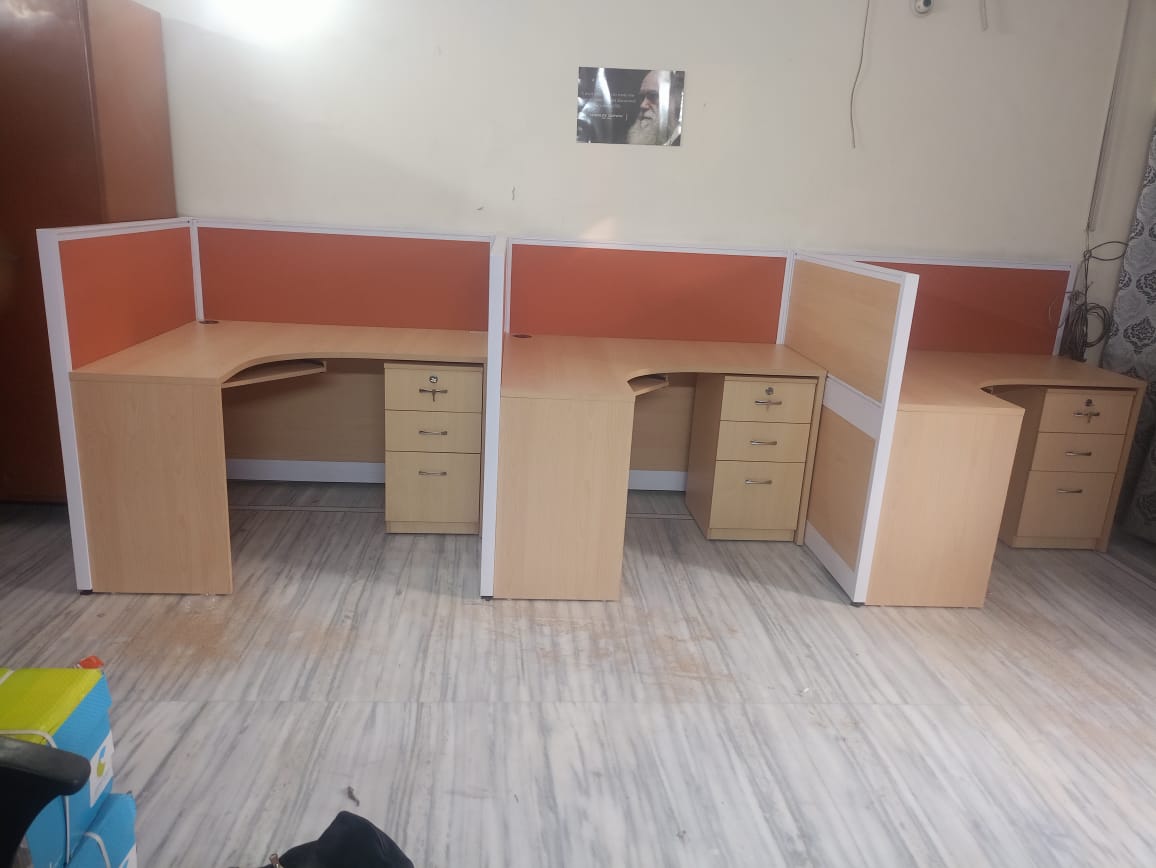
Modular office furniture works well to organize many work stations for employees. A design that allows seating of more people is not necessarily a good design. Placing work stations very close to each other can cause lack of mobility, storage problems, and reduced space for work.
What Should Businesses Check?
Think about the distance between the stations, mobility of the chairs, the storage area and walkways. Think about how the employees make use of the monitors, laptops, files and other such equipment.
Partitioning is one more consideration that needs to be taken into account based upon whether privacy or collaboration is required. The right design of the modular workstations will ensure that all the tasks can be done without crowding the employees. Firms looking to invest in office furniture in Noida need to avoid the layout mistakes by evaluating their floor plans.
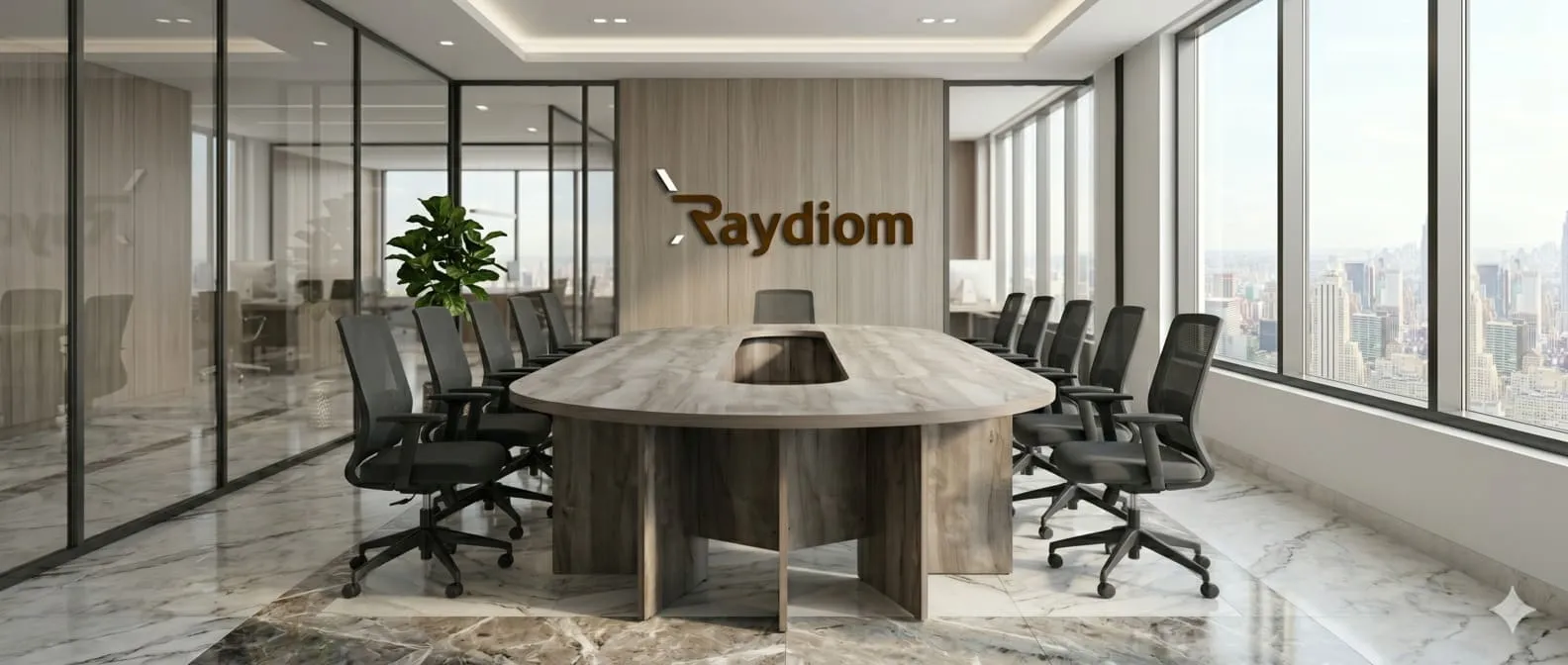
7. Unsuitable Furniture for Meeting Rooms
Comfort in the meeting room is frequently neglected as employees might not stay there for as long as they do at their desks. But lack of proper space and uncomfortable seats can make lengthy discussion sessions difficult.
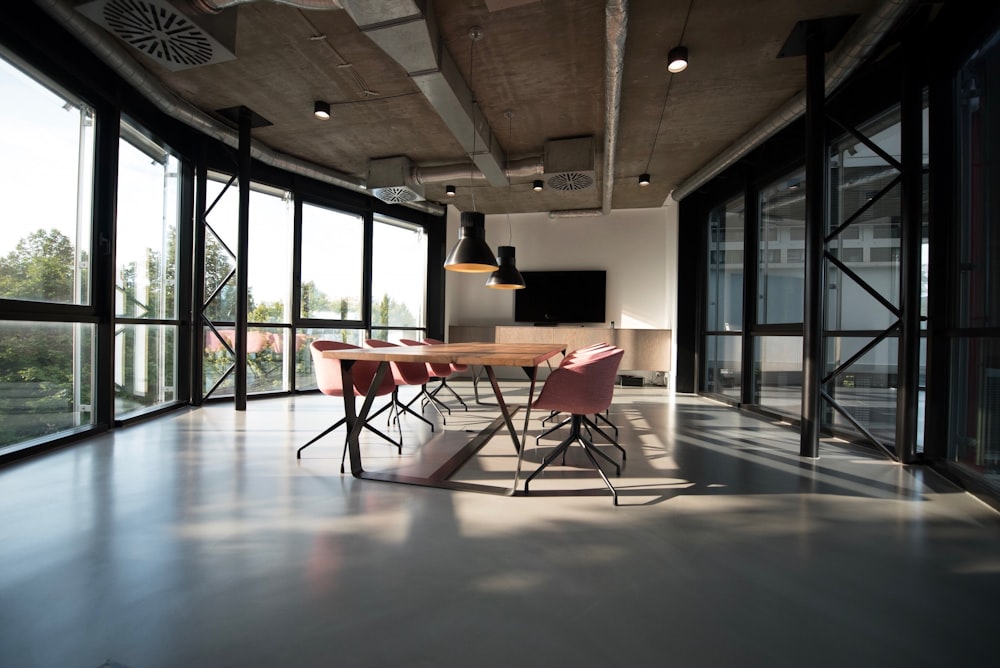
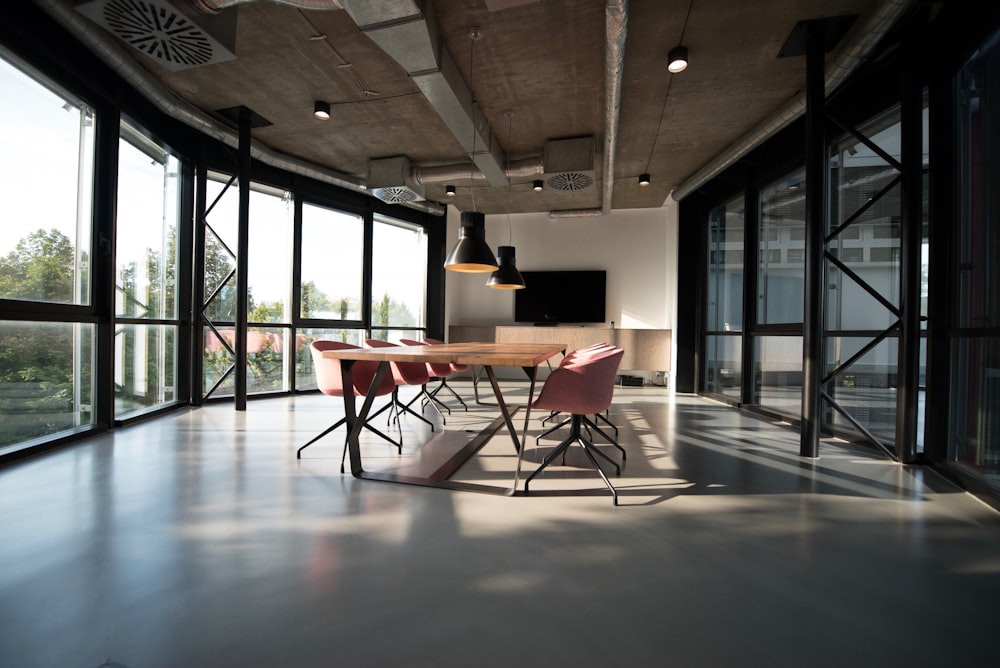
A good table must be large enough to accommodate all attendees, laptops, paperwork, and presentation material. Seats must be comfortable, especially if meetings are prolonged.
Choosing Better Meeting Furniture
First, you should think about the measurements of your room when choosing the table. Ensure there is adequate space for comfortable movement of chairs and people.
Think about things like accessibility to power outlets, cables, screen visibility, and types of meetings. A small round table will be appropriate for a small meeting while a large rectangular table will be appropriate for a conference room.
8. Furniture That Does Not Suit Different Employees
One furniture design might not be suitable for all employees. People come in varying heights and different body shapes with varied working and equipment needs. It is for this reason that adjustability becomes an important factor when choosing office furniture for commonly used workspaces.
What Can Businesses Do?
Choose chairs with useful adjustment features and explain how employees can use them. Where possible, provide workstation accessories that accommodate different requirements.
For example, a footrest may help someone whose feet cannot rest comfortably on the floor after the chair has been adjusted to match the desk. The objective is not to create one fixed sitting position for everyone. It is to provide suitable support and flexibility.
Should You Adjust Existing Furniture or Replace It?
Before purchasing new furniture, identify the actual problem. Some issues can be addressed without major spending.
| Comfort Issue | First Step | When Replacement May Help |
| Chair feels uncomfortable | Adjust seat and backrest | Chair lacks suitable support or adjustment |
| Monitor is too low | Adjust screen position | Desk cannot accommodate a suitable setup |
| Limited legroom | Remove under-desk obstacles | Desk structure restricts movement |
| Crowded tabletop | Reorganize equipment | Surface is too small for required tasks |
| Poor workstation layout | Review furniture arrangement | Existing units cannot fit the required layout |
A short workstation review can help businesses avoid replacing furniture unnecessarily. If employees report persistent discomfort, the situation may also require an appropriate ergonomic assessment or medical advice rather than furniture changes alone.
How to Choose an Office Furniture Supplier in Noida
With the requirements being clear, one is then able to evaluate various furniture manufacturers, suppliers, and dealers. An office furniture supplier in Noida will give clear specifications and customization options for its products.
While evaluating an office furniture manufacturer in Noida, it is important to know if the specifications of desks can be changed in regard to measurements, material, etc. A dealer might supply furniture from different manufacturers, whereas a manufacturer makes its own furniture. Both are appropriate.
Questions to Ask Before Buying
- Can employees test a sample chair or workstation?
- What adjustment features are available?
- What materials are used in the furniture?
- Can desk dimensions be customized?
- Is delivery and installation included?
- What does the warranty cover?
- Are replacement components available?
For bulk purchases, request written specifications and confirm that the delivered products will match the approved samples.
A Simple Office Comfort Checklist
Before making a furniture purchase, review these basic points:
- The chair supports the user's back and allows comfortable adjustment.
- Feet can rest on the floor or a stable footrest.
- The keyboard and mouse are positioned within easy reach.
- The monitor can be viewed without excessive head movement.
- There is sufficient legroom beneath the desk.
- Frequently used items fit comfortably on the tabletop.
- Chairs can move without obstruction.
- Meeting-room furniture suits the room and its intended use.
This checklist is a starting point, not a substitute for an individualized workstation assessment.
Final Thoughts
Good office furniture starts with knowing how people utilize their workspace. Expensive furniture cannot solve all the problems related to one’s workspace; similarly, an advanced desk will be impractical if it hampers mobility or doesn’t offer enough room.
Before investing in new office furniture, determine what makes your existing workspace uncomfortable, take care of the necessary adjustments and determine what products actually require replacement. When looking for office furniture providers in Noida, consider such features as practical design, quality construction, ergonomic comfort and clear product specifications.